Low-latency streaming
Hardware H.264 and H.265 encoding, with resolution and bitrate that adapt to your network.
Available in beta

Private beta · Mac → iPhone
Reach your Mac from your iPhone at up to 4K and 120 fps. Nexlink connects your devices directly first, encrypts every session end to end, and is made for Apple devices.
4K120fps
Up to 4K at 120 fps1
About15ms
from capture to decode2
About30ms
from the Mac's screen to the iPhone's screen on home Wi-Fi3
DTLS 1.3
end-to-end encryption4
Notes
Features
Everything in this grid works in the private beta today.
Hardware H.264 and H.265 encoding, with resolution and bitrate that adapt to your network.
Available in beta
Touch or trackpad mode, the iPhone keyboard plus pages of special keys, and an external mouse, keyboard or game controller.
Available in beta
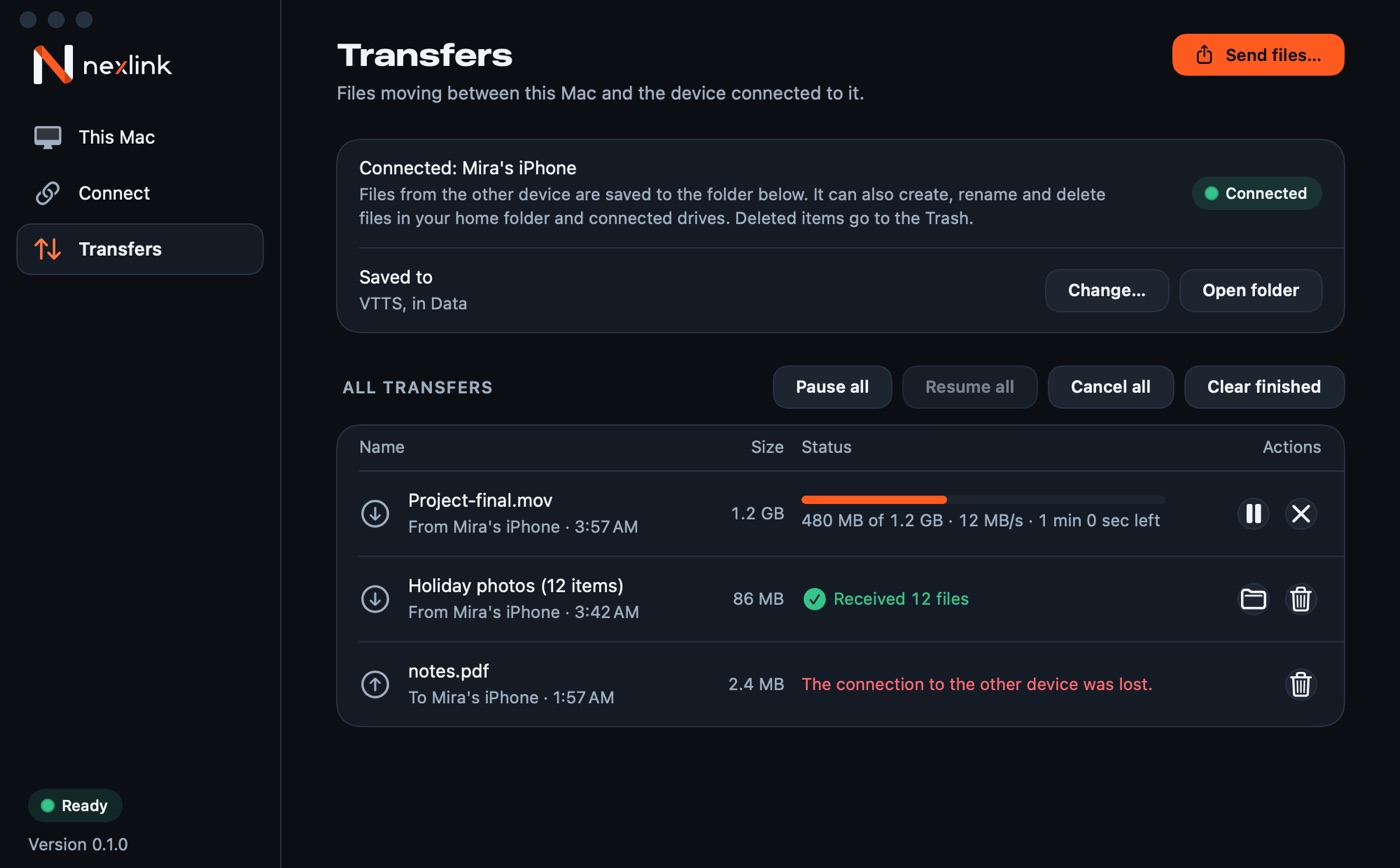
Send files to and from your Mac. Transfers resume after a drop.
Available in beta
Hear what your Mac is playing, right on your iPhone.
Available in beta
Share a Nexlink ID and a one-time code. The Mac owner sees a permission prompt, and guest sessions can't use the terminal, files, clipboard or power controls.
Available in beta
Copy on one device, paste on the other.
Available in beta
Open a shell on your Mac straight from your iPhone.
Available in beta
Frame rate, quality, resolution, codec and live metrics. Pick a display from thumbnails, switch to view-only, float the session in Picture in Picture, or draw annotations.
Available in beta
Lock, restart or shut down. Auto-lock when you disconnect, and a privacy mode.
Available in beta
See which devices are online, rename or remove them, and check machine specs.
Available in beta
The Mac app
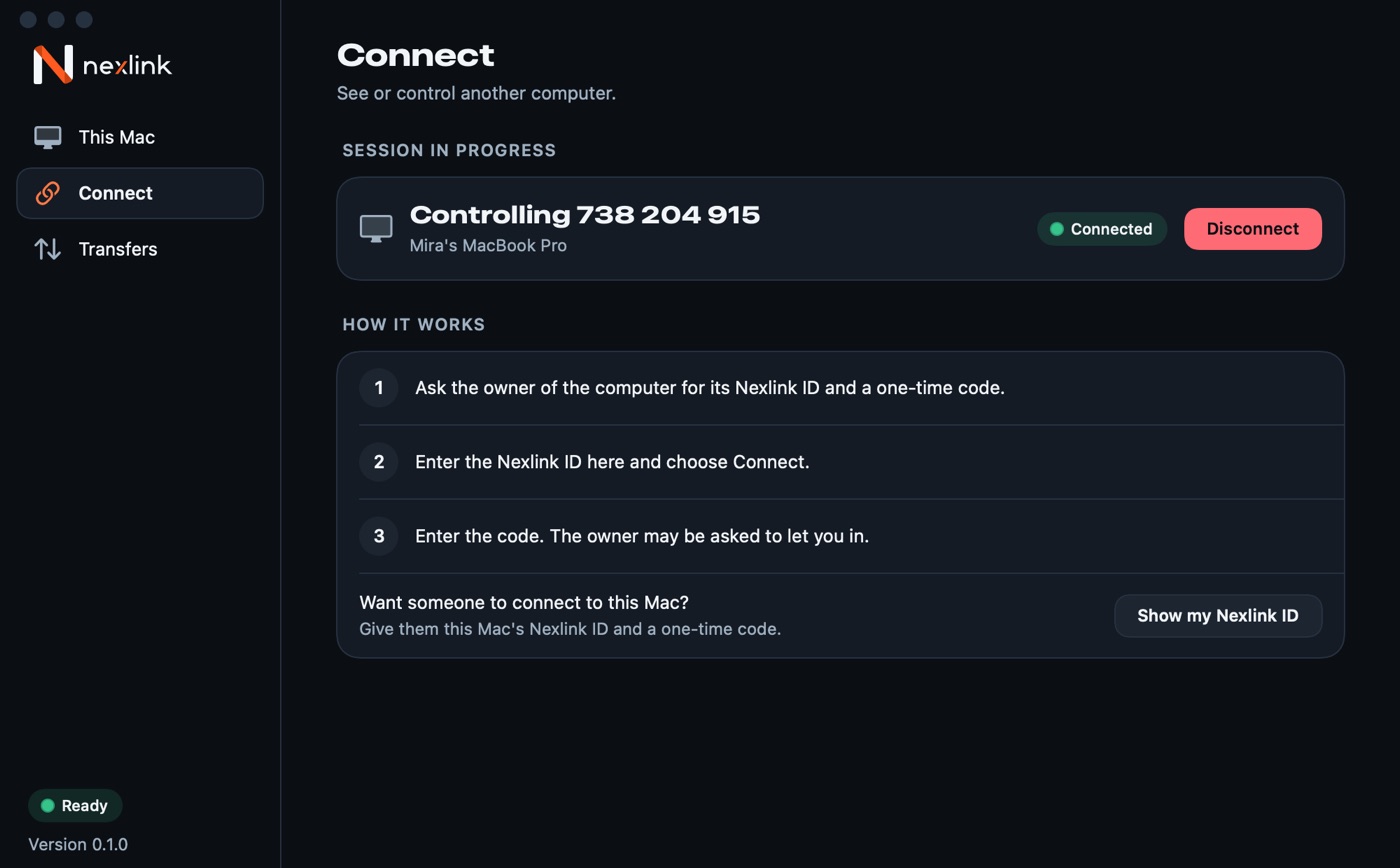
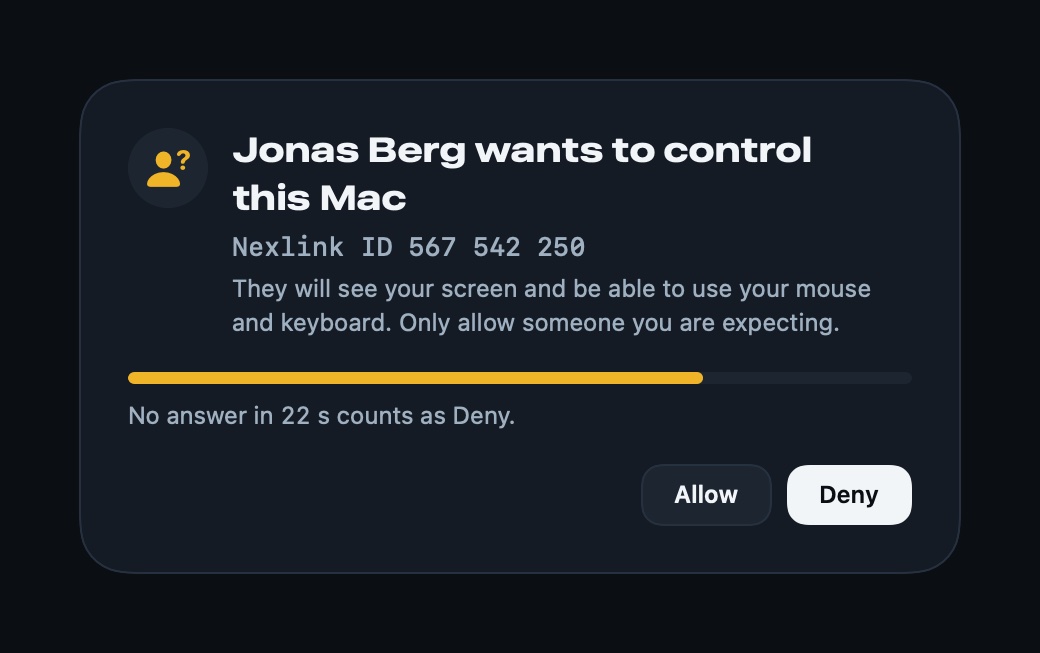
Real screenshots from the Nexlink beta for Mac.
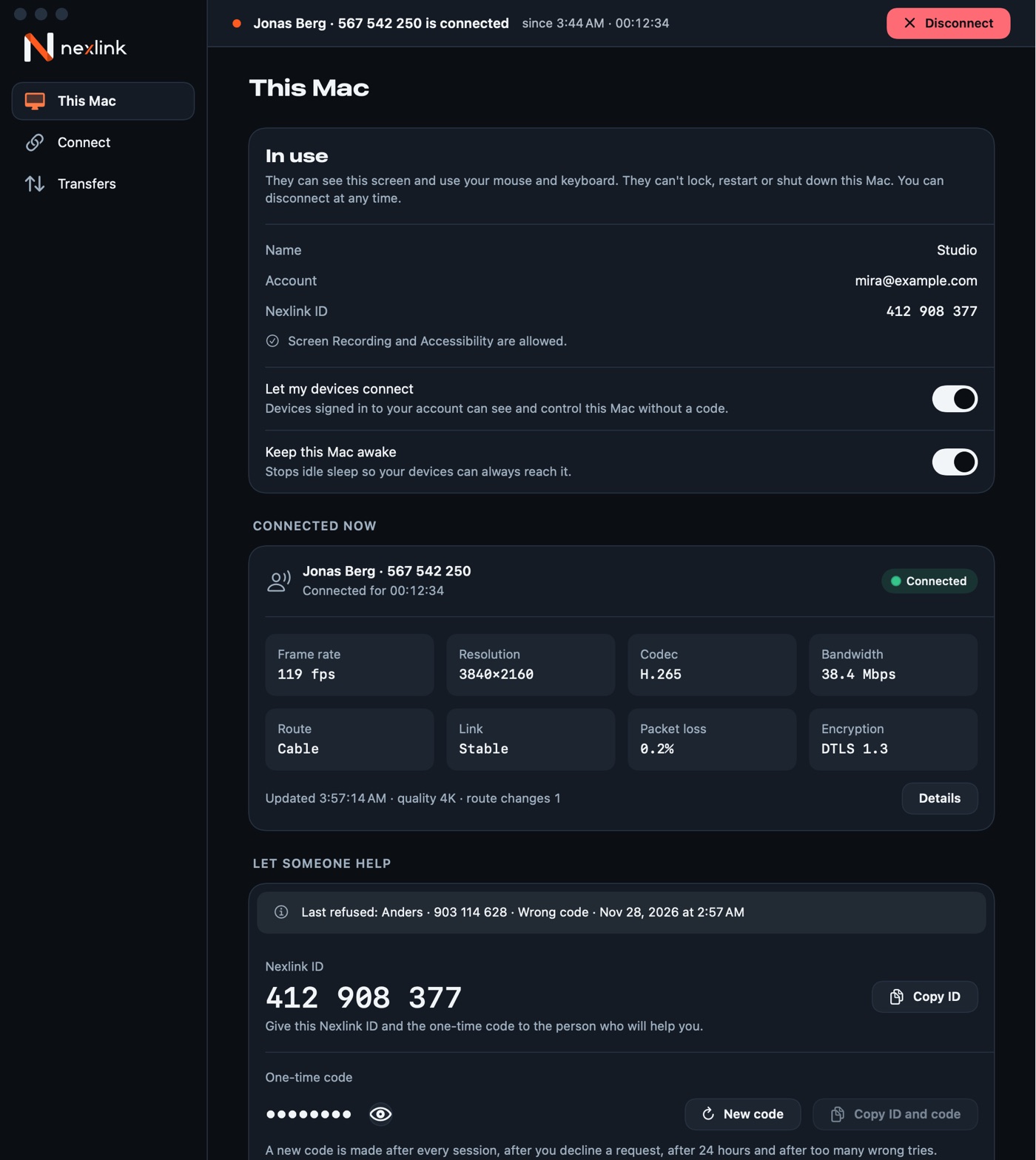
One button at the top ends the session.
Frame rate, resolution, codec, route, packet loss and encryption, updated as you go.
Give both to someone you trust so they can help. A new code is made after every session.
How it works
It lives in the menu bar and keeps your Mac ready.
Your Mac shows up in your device list.
Nexlink finds the fastest path and connects.
Security
Every session is encrypted between your two devices.
Available in beta
When a relay is needed, it only forwards encrypted packets.
Available in beta
We email you a code to sign in to your account.
Available in beta
Apple and Google sign-in Before launch
The Mac owner sees a permission prompt and decides who gets in.
Available in beta
Guests can't use the terminal, files, clipboard or power controls.
Available in beta
Your Mac can lock itself the moment a session ends.
Available in beta
Network
The app measures latency to each relay and picks the fastest one for both ends. New regions arrive without an app update.

Platforms and roadmap
FAQ
Beta access is by invitation. Pricing will be announced before launch.
In the beta, you reach a Mac from an iPhone. At launch you can also use an iPad or another Mac to control it. Windows and Android come later.
Not when a direct path works, and Nexlink always tries those first. If it has to use a relay, the relay only forwards encrypted packets it cannot read. The signalling server only introduces your devices.
Some office and public networks do. An encrypted relay over TLS on port 443 is planned before launch for exactly this case.
Before launch
Yes. They give you their Nexlink ID and a one-time code, and they see a permission prompt before you get in. Guest sessions can't use the terminal, files, clipboard or power controls.
Not yet. A Windows host and client, Android and a web client are on the roadmap for after launch.
No. Anonymous diagnostics are off by default.